


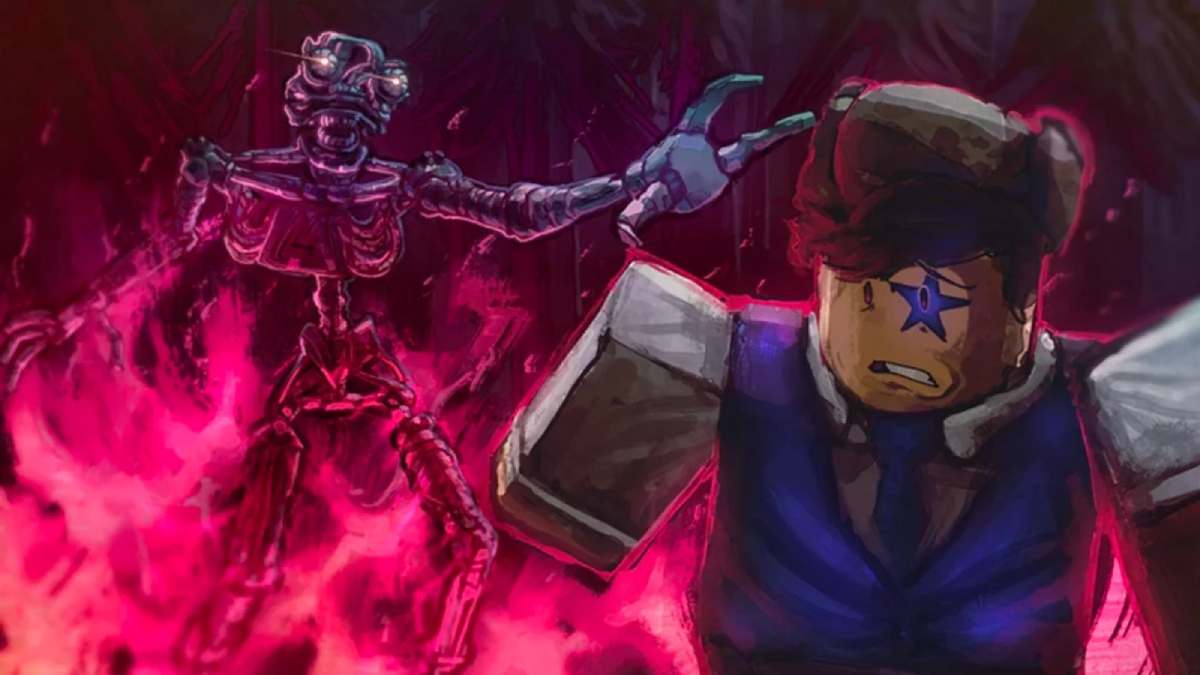
If you have been messing around in Bite by Night and wondering how other players are pulling off dances, reactions, and goofy animations mid-match, the answer is emotes. They are one of the easiest ways to show off a little personality in a game that is otherwise full of panic, jukes, and chaos.
Bite by Night’s official community wiki confirms that emotes are a dedicated part of the game’s content, and the current system ties them to the in-game store, inventory, and VIP perks.
What do emotes do in Bite by Night?
Emotes in Bite by Night are cosmetic actions. They do not change your class, boost your stats, or give you an edge in a chase. They are there for style, trolling, celebrating, or just making a lobby feel a little less sweaty. The official Bite by Night wiki has a full emotes page, which shows that the game already has a sizable emote pool for players to unlock and collect.
How to get emotes in Bite by Night
The main way to get emotes is through the Shop. The official Bite by Night wiki says the shop lets players purchase items using either Scraps or Robux, and that is where emotes are sold alongside other unlockables. Since Scraps are part of the game’s regular economy, that means you do not necessarily need to spend Robux for every emote, though premium options do exist.
There is also at least one emote tied directly to the game’s VIP pass. The emote page specifically notes that the Smile emote can only be bought from the VIP game pass, so some animations are clearly locked behind premium access rather than the normal shop route.
How to earn the Scraps you need
If you are trying to unlock emotes without spending Robux, your goal is to build up Scraps. Bite by Night also has redeemable codes through the Settings page, and the official wiki lists code rewards as in-game currency. For example, the page currently shows QUICKFIX rewarding +1000 Scraps as of April 11, 2026. That matters because codes can give you a quick boost toward your next emote purchase.
How to equip emotes in Bite by Night
This is the part that confuses a lot of new players. You should click the backpack icon in the lobby to manage loadout-related items. To equip emotes, you click on a survivor, then press the clothes hanger icon, and from there you can select your emotes.
While this comes from a community help thread rather than a formal developer tutorial, it lines up with how the game’s menu structure is currently being described by active players.
How to use emotes in a match
On PC, the same community help thread says pressing B opens emote functionality in-game. Since that answer came from players helping each other on March 29, 2026, it is the most current control reference I found, but it is still best treated as a practical community-confirmed control rather than a formal official control guide.
If the key does not respond, check whether your emote is actually equipped first through the backpack and hanger menus in the lobby.
Are all emotes available to everyone?
Not exactly. Some emotes are standard shop unlocks, while others are premium. The clearest example right now is Smile, which the emotes page marks as VIP-only. The same page also shows that not every discovered emote is guaranteed to stay in circulation, because some are listed as scrapped content rather than currently usable options.
Bite by Night is already a very personality-driven Roblox horror game, with animatronics, classes, and a lot of social chaos built into every round. Emotes fit that vibe perfectly. Whether you are a survivor trying to clown on a killer after escaping or just vibing in the lobby, they give you another layer of expression that makes the game feel a lot more alive.
The game’s official wiki even treats emotes as a distinct part of the overall content lineup, which shows they are more than just a tiny side feature.
Getting emotes in Bite by Night is pretty simple once you know where to look. Buy them from the shop with Scraps or Robux, watch out for VIP-only options like Smile, equip them through the backpack and hanger menus, and use them in-game with B on PC based on current community guidance. It is one of those small systems that does not affect gameplay much, but it definitely makes every match a lot more fun.