



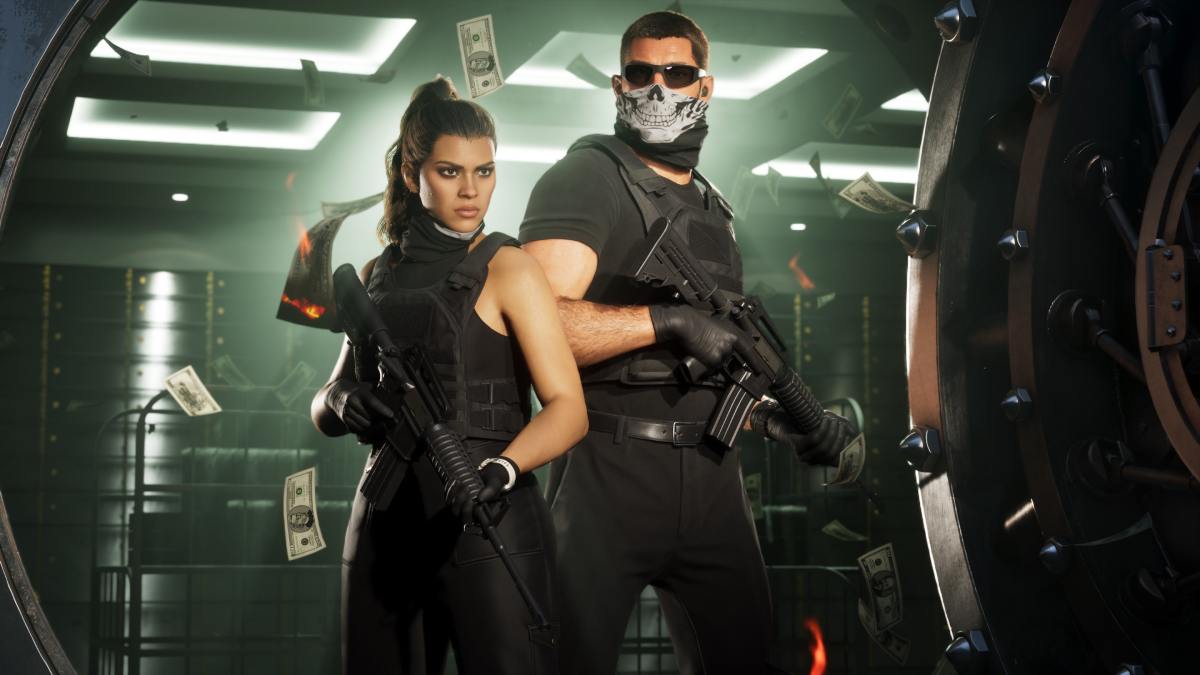
Money is a lot more important in GTA 6 than you might expect, especially during the opening hours. Unlike GTA 5, you won’t have access to a bank account right away, meaning all the cash you earn is at risk whenever you get arrested or killed.
Fortunately, Rockstar has included a hidden way to store money at Jason’s house before unlocking the BuckMe banking app. Here’s how to find it, when banking becomes available, and how to avoid losing your hard-earned cash.
In Brief
- GTA 6 players start without a bank account and can lose the cash they’re carrying after dying or getting arrested.
- You can safely stash money beneath loose floorboards in Jason’s bedroom during the early game.
- The Buck Me mission unlocks the BuckMe banking app during Chapter 1.
- BuckMe offers Checking and Family Savings accounts, but money deposited into Family Savings cannot be withdrawn.
How to Store Money in GTA 6 Before Unlocking a Bank Account
During the opening hours of GTA 6, Jason and Lucia don’t have access to traditional banking services.
Players can lose the cash they’re carrying if they’re killed or arrested. However, there’s a hidden storage location inside Jason’s house in Key Lento, Mariana County.
Here’s how to find it:
- Return to Jason’s house during Chapter 1.
- Head inside and enter Jason’s bedroom.
- Look around the floor for a prompt to inspect the loose floorboards.
- Interact with the floorboards to reveal a hidden compartment.
- Use the compartment to store your cash safely.
You’ll also discover some photographs revealing additional details about Jason’s past.
It’s worth returning to this hiding spot regularly, especially after completing robberies or earning a large amount of cash.
How to Unlock the BuckMe Bank Account in GTA 6
You won’t have to rely on Jason’s hidden stash for very long.
The Buck Me mission unlocks during Chapter 1, approximately half an in-game day after completing the “Coming Home” mission.
Lucia will call Jason and ask him to meet her at the Fleeca Bank in Key Lento because she needs an account to receive her community service payments.
Here’s what happens:
- Meet Lucia at the Fleeca Bank.
- Speak to the teller about opening an account.
- Follow the bank manager into his office.
- After Jason’s credit check fails, the manager recommends the BuckMe app.
- Complete the conversation to unlock BuckMe on your phone.
You’ll receive a $100 welcome bonus in your Checking Account.
The mission then introduces Family Savings by asking you to transfer the $100 using the app’s “Buck Yourself” option.
GTA 6 BuckMe: Checking Account vs. Family Savings
BuckMe offers two types of accounts, but they serve different purposes.
| Feature | Checking Account | Family Savings |
|---|---|---|
| Deposit money | Yes | Yes, through transfers |
| Withdraw money | Yes | No |
| Spend money | Yes | No direct withdrawals |
| Risk of losing money | Smaller loss possible on death | Protected |
| Additional benefits | Everyday purchases | Unlocks discounts and account upgrades |
Checking Account
Your Checking Account is where you’ll want to keep most of your spending money.
You can deposit cash at ATMs, withdraw it when needed, and use your BuckMe balance for purchases.
To find an ATM, open the BuckMe app and select ATM Finder > Set Destination.
However, even money in your Checking Account isn’t completely protected. Dying can still result in a smaller financial loss, although carrying cash is riskier.
Family Savings
Family Savings is designed for long-term progression.
Money transferred into this account is permanently locked and cannot be withdrawn or spent normally.
However, reaching certain savings milestones unlocks benefits, including:
- Higher Checking Account limits
- Discounts on RydeMe journeys
- Reduced garage purchase prices
- Additional account upgrades
The important thing to remember is that once you transfer money into Family Savings, you cannot get it back.
How to Avoid Losing Money in GTA 6
The best way to protect your earnings is to avoid carrying large amounts of cash.
Before unlocking BuckMe, regularly deposit your money beneath Jason’s bedroom floorboards.
Once banking becomes available, visit ATMs to move your cash into your Checking Account, especially before attempting dangerous missions.
Keep enough money available for weapons, ammunition, vehicles, and other purchases. Only transfer money into Family Savings when you’re comfortable locking it away permanently.
Also, keep an eye on your Checking Account limit. If the account is full, incoming payments can be held until you spend money or transfer some into Family Savings.
GTA 6 introduces a more involved money management system, making it important to protect your earnings from the very beginning.
Jason’s hidden floorboard stash is your best option before unlocking banking services, while BuckMe makes managing cash much easier later in Chapter 1.
Just be careful with Family Savings. It offers useful long-term benefits, but any money you deposit there is gone from your spendable balance for good.