


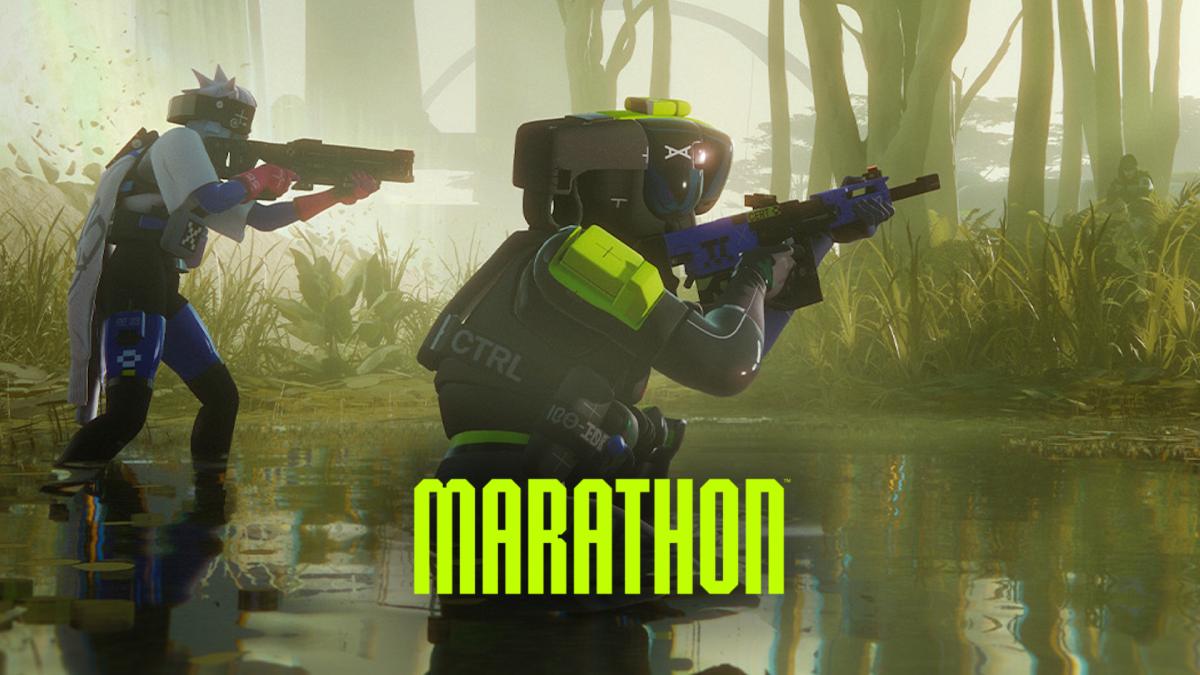
Bungie’s Marathon has a fast time to kill, lots of high-contrast sci-fi visuals, and plenty of mid-fight inventory and UI interactions. That means your goal on PC is not just “more FPS,” but stable frame time, low input latency, and a clean image that makes enemy silhouettes and movement easy to read.
This guide is built around the current Marathon Server Slam build and the latest public PC requirements and performance notes, so you can tune your setup with today’s most relevant info.
PC Requirements Check
Before changing settings, sanity check whether you are closer to the minimum or recommended specs. If you are near minimum, you will get the biggest wins from reducing shadows, foliage, and effects while using upscaling. Official listings put the minimum at an i5-6600 or Ryzen 5 2600 with a GTX 1050 Ti class GPU and 8GB RAM, while recommended moves to an i5-10400 or Ryzen 5 3500, 16GB RAM, and an RTX 2060 class GPU.
If you are on Intel Arc, note the official requirement callout for ReBAR on the listed Arc GPUs, which can affect performance and consistency.
Best Marathon Video Settings for Competitive Play
These settings give the biggest “feel” improvement and are the foundation for low latency.
Use Fullscreen mode so Windows and overlays interfere less, then turn VSync off to avoid added latency. Set your frame rate cap to match your monitor refresh rate, or slightly below it if you are using VRR like G Sync or FreeSync and want steadier frame pacing. Several up-to-date tuning guides also converge on FOV in the 90 to 100 range for awareness without making targets too small.
Quick Recommended Baseline
| Setting | Recommended |
|---|---|
| Display Mode | Fullscreen |
| VSync | Off |
| Frame Rate Cap | Match monitor refresh, or just under with VRR |
| FOV | 90 to 100 |
| Upscaling | DLSS or FSR, start at Quality or Balanced |
Best Graphics Settings to Boost FPS Without Hurting Visibility
In extraction shooters, the trap is lowering clarity to chase frames, then losing fights because targets blend into the scene. The best approach is to cut the expensive scene complexity settings first, keep textures as high as your VRAM allows, and use upscaling carefully.
Start with a Custom preset and lower Shadow Quality and Foliage Detail Distance early, because they are commonly highlighted as major FPS levers. Keep Texture Quality at medium or higher if you have the VRAM headroom, because muddy textures can make enemy shapes harder to read at range.
For Ambient Occlusion, if your fights feel “smoky” or cluttered, lower it or turn it off. It can look nice, but competitive readability usually improves when heavy contact shadows and extra scene darkening are reduced.
Low Latency Setup That Actually Feels Snappy
If Marathon offers NVIDIA Reflex in your build, enable it, since multiple current guides recommend it as the simplest in-game latency win on GeForce GPUs.
Also prioritize consistency over uncapped spikes. A stable frame rate cap that you can hold in combat typically feels better than wildly fluctuating FPS, especially when you are tracking targets while strafing and looting.
Competitive Visibility Tweaks That Reduce Visual Noise
Marathon’s visual style can be busy, so you want to remove camera effects that blur motion or add a grainy texture to the image. Turn off motion blur, film grain, and chromatic aberration if available in your build, since multiple recent best settings writeups call these out as easy visibility improvements.
If you use upscaling, avoid overly aggressive performance modes unless you truly need the FPS. Lower internal resolution can soften outlines and make heads and shoulders harder to pick out at mid range, so start at Quality or Balanced and only drop further if you are missing your frame rate target.
Fixing Stutter, Mouse Input Lag, and Overlay Issues
During the Server Slam, Bungie acknowledged mouse input problems and reports tied to third-party apps, overlays, and streaming setups. One widely shared workaround is disabling overlays and fully closing Discord if you experience cursor stutter or broken menu behavior, with some players using Discord in a browser as a temporary workaround. Disabling the Steam overlay has also been recommended, and Bungie has advised streamers to capture the full screen instead of the game window if input feels busted.
If your input feels fine in the training space but degrades after alt tabbing or opening overlays, treat this as a stability issue first, not a sensitivity issue. Get a clean session with overlays off, then retune your sensitivity once the cursor behavior is consistent.
Final Checklist for a Competitive Marathon Setup
Once your baseline is set, do a quick real match test. If you are dropping frames when abilities and AI enemies are on screen, lower shadows and foliage one more step. If the game looks sharp but you feel late in fights, keep VSync off, confirm your frame cap is stable, and enable Reflex if available. If enemies blend into the environment, strip out film grain and blur effects, and back off any overly soft upscaling mode.
FAQ
What is the best resolution for Marathon on PC
Native resolution is best for clarity, but 1080p with a strong frame cap is still a popular competitive choice for steadier FPS. If you play at 1440p or 4K, using DLSS or FSR in Quality or Balanced is often the best compromise between sharpness and performance.
Should I cap FPS or leave it uncapped?
A cap that you can hold in combat usually feels more consistent than uncapped spikes and dips, especially in PvP. If you have VRR, capping just under refresh is a common approach for smoothness and latency balance.
Why does my mouse feel broken in Marathon?
Server Slam coverage and Bungie updates pointed to input issues that can be triggered by third-party apps, overlays, and certain streaming capture methods. Disabling overlays and closing Discord entirely has been one of the most reliable temporary fixes reported.