



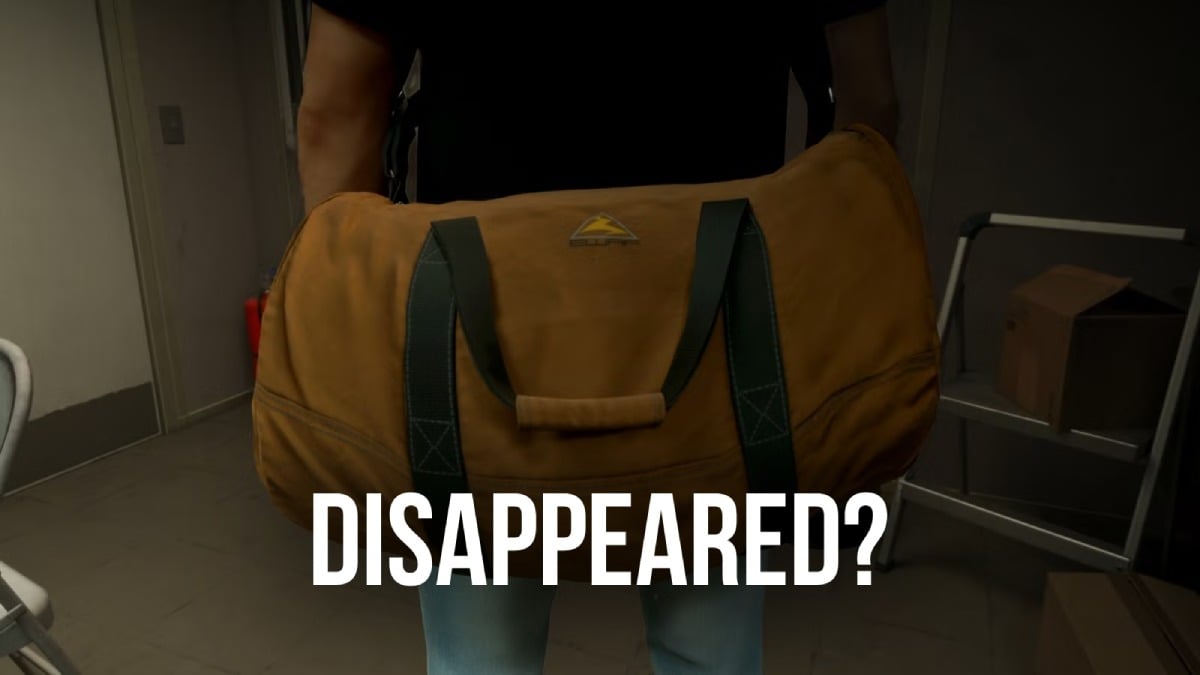
Losing a stash bag full of cash and valuables after a successful robbery is one of the more frustrating experiences in GTA 6. Some players have reported their stash bags mysteriously disappearing after entering vehicles, switching between Jason and Lucia, or watching mission cutscenes.
Fortunately, your loot might still be somewhere in the game. Several players have managed to recover their missing stash bags by checking their personal vehicles.
In Brief
- Stash bags can disappear after entering vehicles or triggering cutscenes.
- Your missing loot may have been transferred to your registered personal vehicle’s trunk.
- Switching between Jason and Lucia can also cause stash bags to become stuck in your inventory.
- Rockstar has yet to confirm a fix for these specific issues.
Why Did Your Stash Bag Disappear in GTA 6?
According to player reports compiled by GTA6BUGS, one player lost a stash bag containing $3,400 worth of loot after entering Jason’s car. Although the money was still accounted for on the map screen, the bag itself was nowhere to be found.
Other players have experienced similar issues after completing story cutscenes.
However, in several cases, the game appears to have automatically transferred the loot to the player’s registered personal vehicle.
How to Find Your Missing Stash Bag in GTA 6
1. Check Your Personal Vehicle’s Trunk
Even if you were driving another vehicle when your stash bag disappeared, check your registered personal car first.
- Open your map and hover over your personal vehicle’s icon.
- Look for a small bag indicator.
- Return to your vehicle and open its trunk.
- Retrieve any stash bags stored inside.
If you’ve unlocked Scooter Bros, you can also check your vehicle’s storage through the app.
2. Check Your Map and Inventory
If your trunk is full, the stash bag may have been dropped nearby. Return to where you last had the bag and look for a duffel bag icon on your map.
You should also check both Jason’s and Lucia’s inventories.
3. Restart GTA 6
At least one player reported recovering their missing stash bag after completely restarting the game.
If that fails, consider loading a save from before the bag disappeared. Keep a separate save of your current progress first.
How to Fix Stash Bags Stuck in Inventory in GTA 6
A separate bug can leave players with four stash bags permanently displayed in their inventory after switching characters.
Here are some potential workarounds:
- Switch back to the character who originally collected the bags.
- Transfer the bags into the same vehicle’s trunk.
- Switch characters again and check your inventory.
- Reload an earlier save if the problem persists.
Avoid handing over additional bags if the dealer isn’t paying you.
How to Avoid Losing Stash Bags in GTA 6
Until Rockstar addresses these issues, we recommend taking a few precautions:
- Sell your loot before starting story missions.
- Avoid switching characters while transferring stash bags.
- Empty your vehicle’s trunk before selling or replacing it.
- Keep multiple manual saves.
Once you’ve sold your loot, follow our guide on how to store money safely in GTA 6 to protect your earnings.
Rockstar’s November 23 update addressed an issue involving partners refusing to hand over stash bags. However, disappearing bags and stuck inventory slots were not specifically mentioned.