

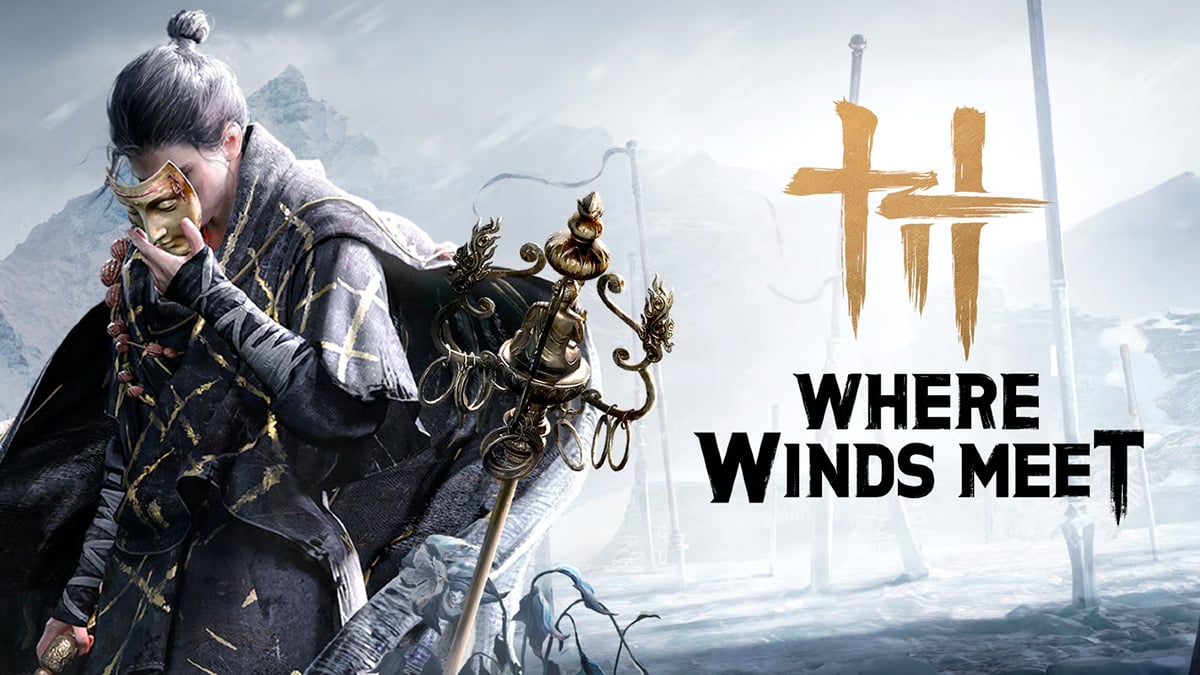
Searching for the best character presets in Where Winds Meet? Unlock the power of customization with these codes that allow you to import breathtaking faces in an instant.
Character creation is one of the most exciting parts of Where Winds Meet, and players have wasted no time sharing incredible custom face presets across social media. Whether you want a heroic swordsman, a mysterious wanderer, or a perfectly sculpted Wuxia beauty, customization codes make it easy to import high-quality designs with a single click.
In this guide, we highlight the best Where Winds Meet character customization codes circulating in 2025, featuring the most popular presets created by players around the world. If you want your protagonist to stand out in Jiangnan, these are the must-try designs, along with how to redeem, save, and share your own codes.
Best Female Character Customization Codes
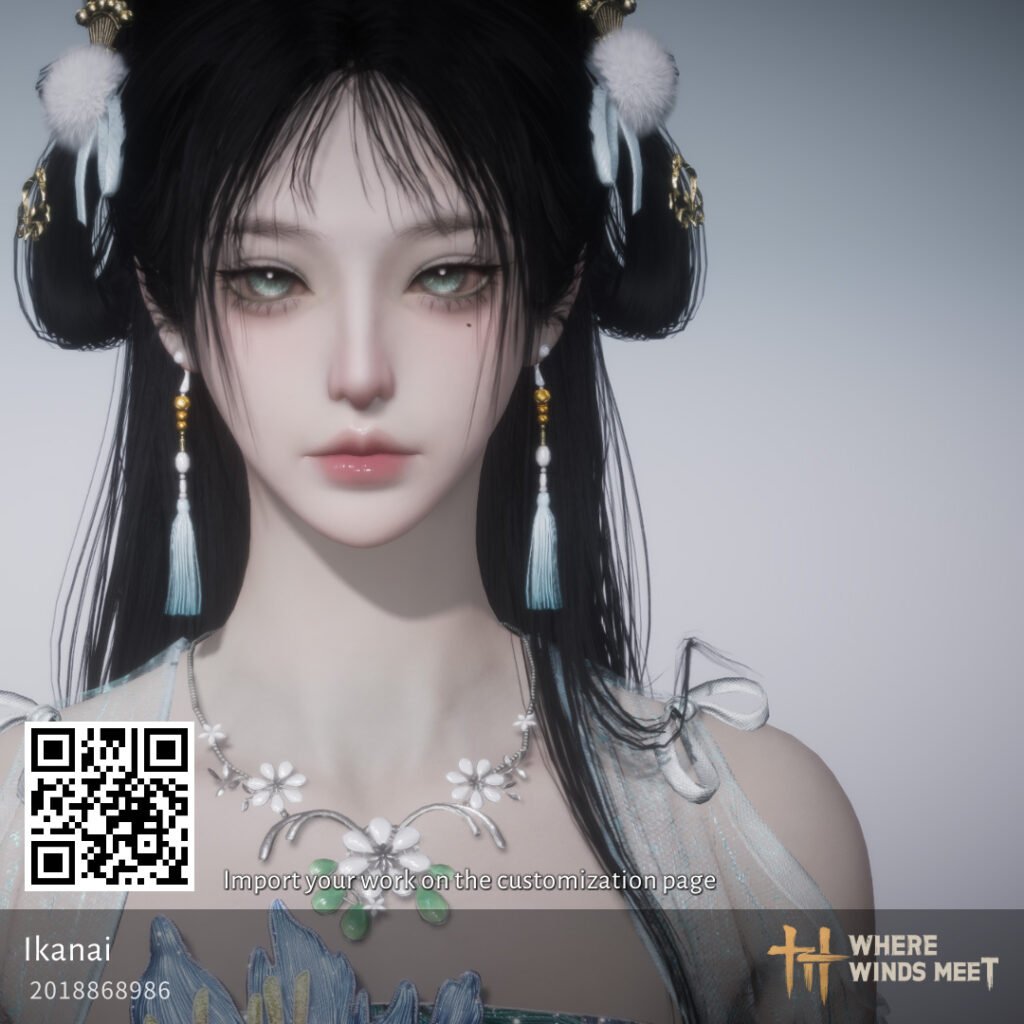
- Code: 2018868986
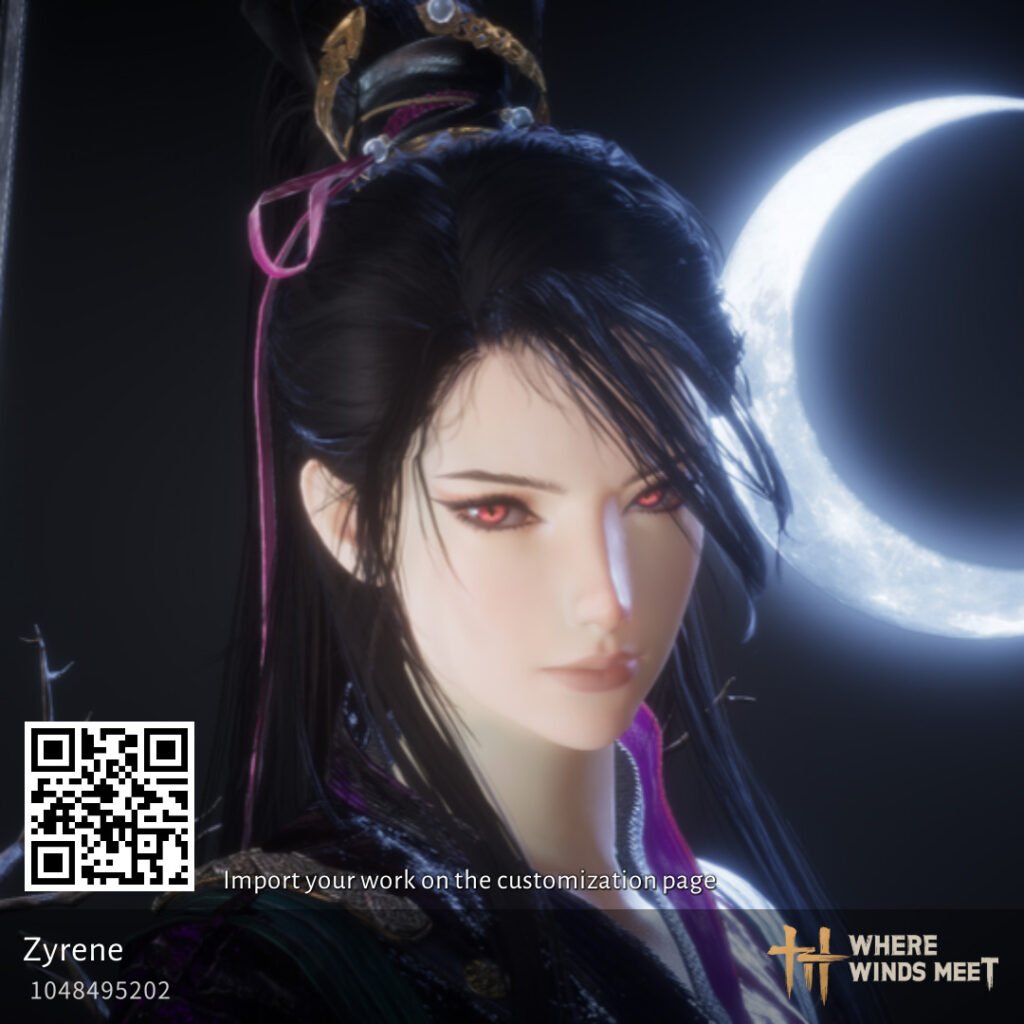
- Code: 1048495202
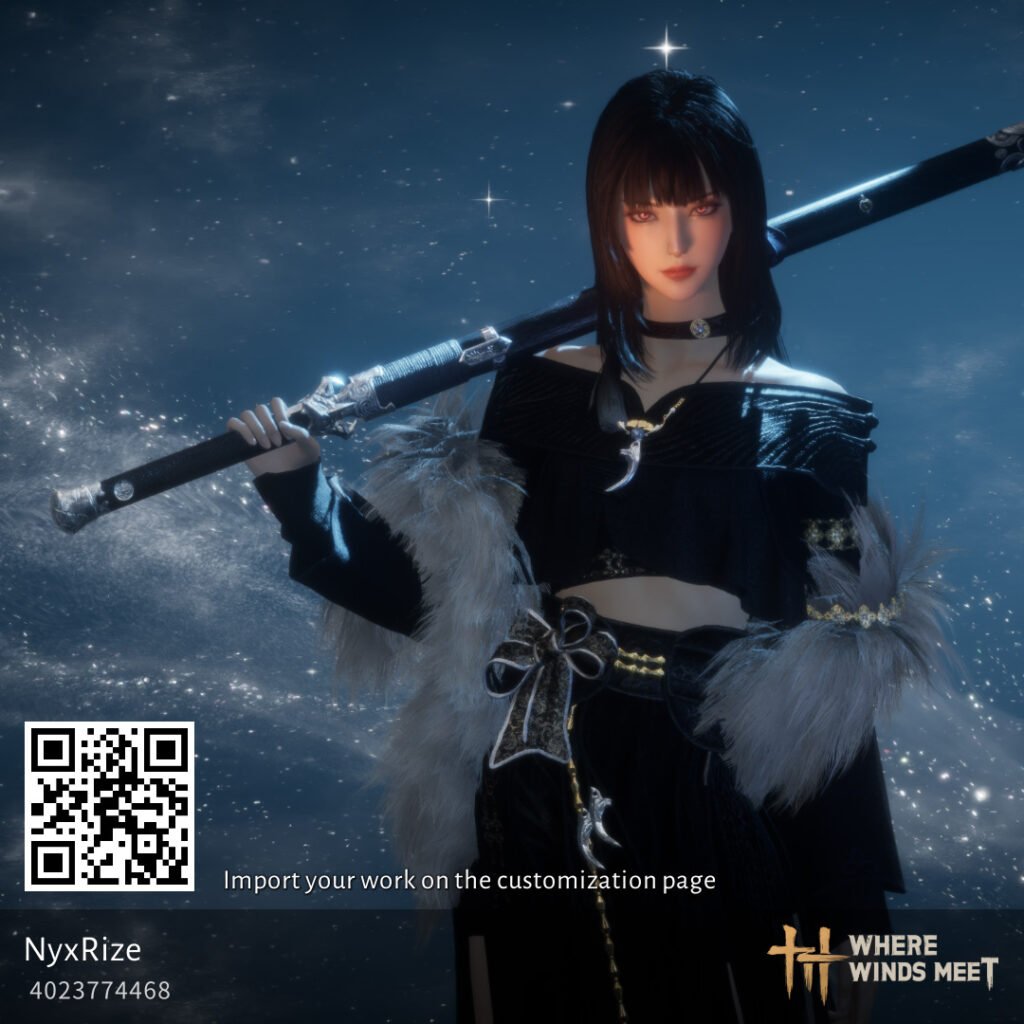
- Code: 4023774468
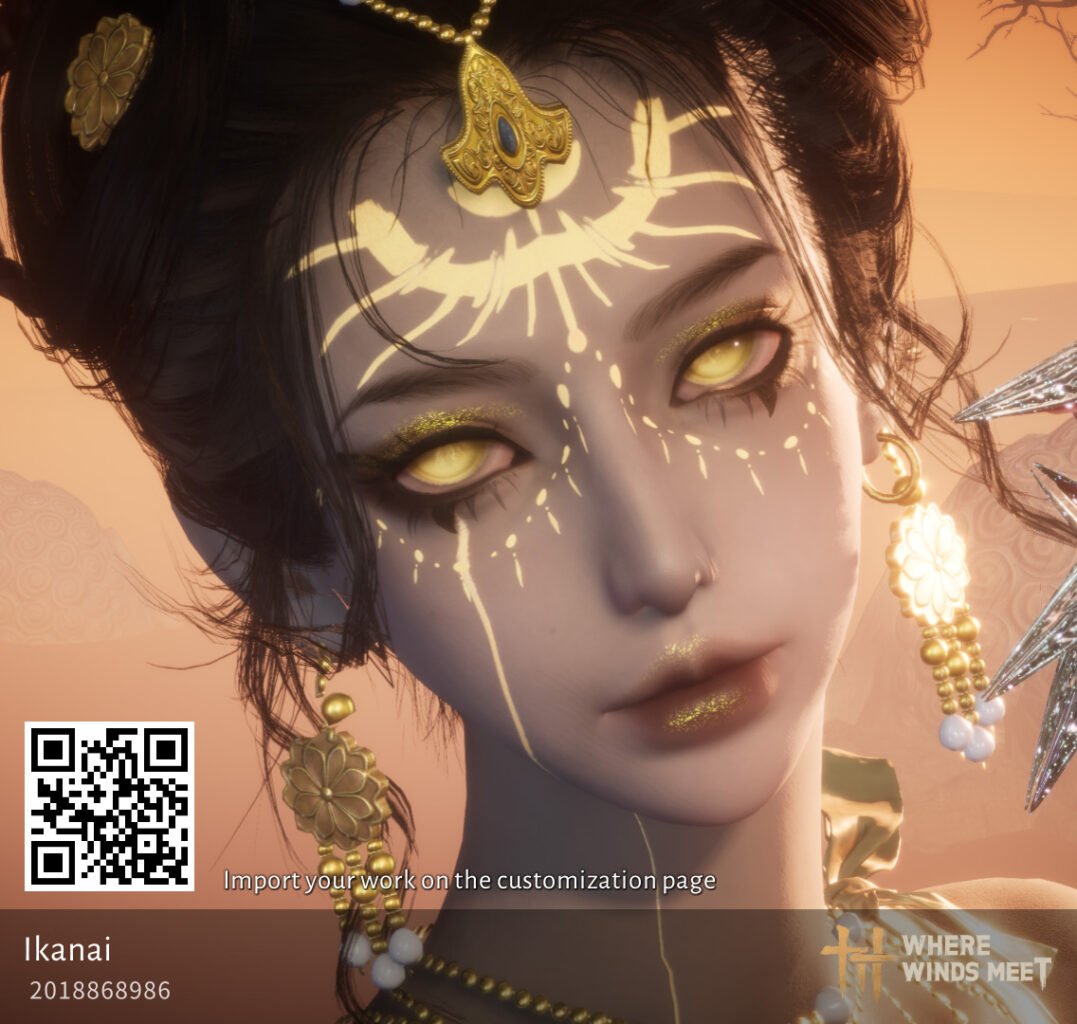
- Code: 2018868986
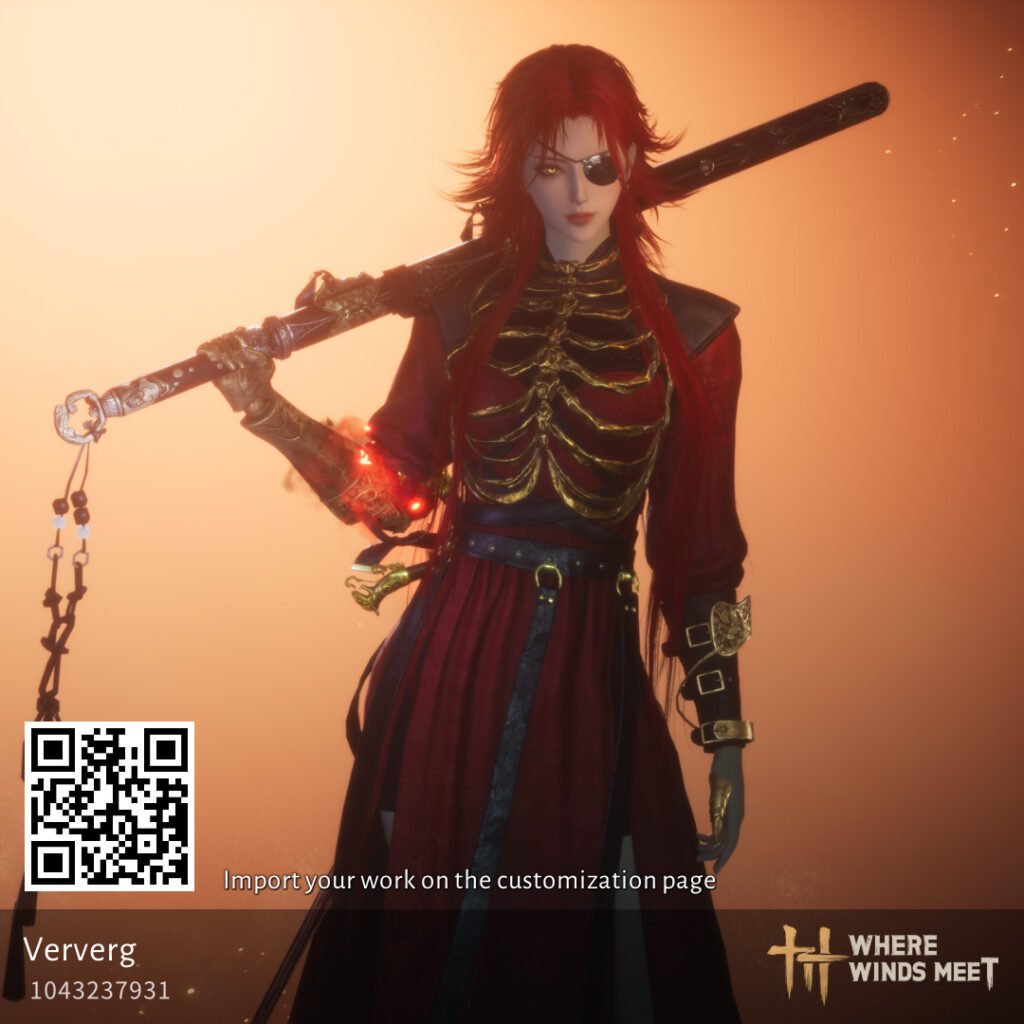
- Code: 1043237931
Best Male Character Customization Codes
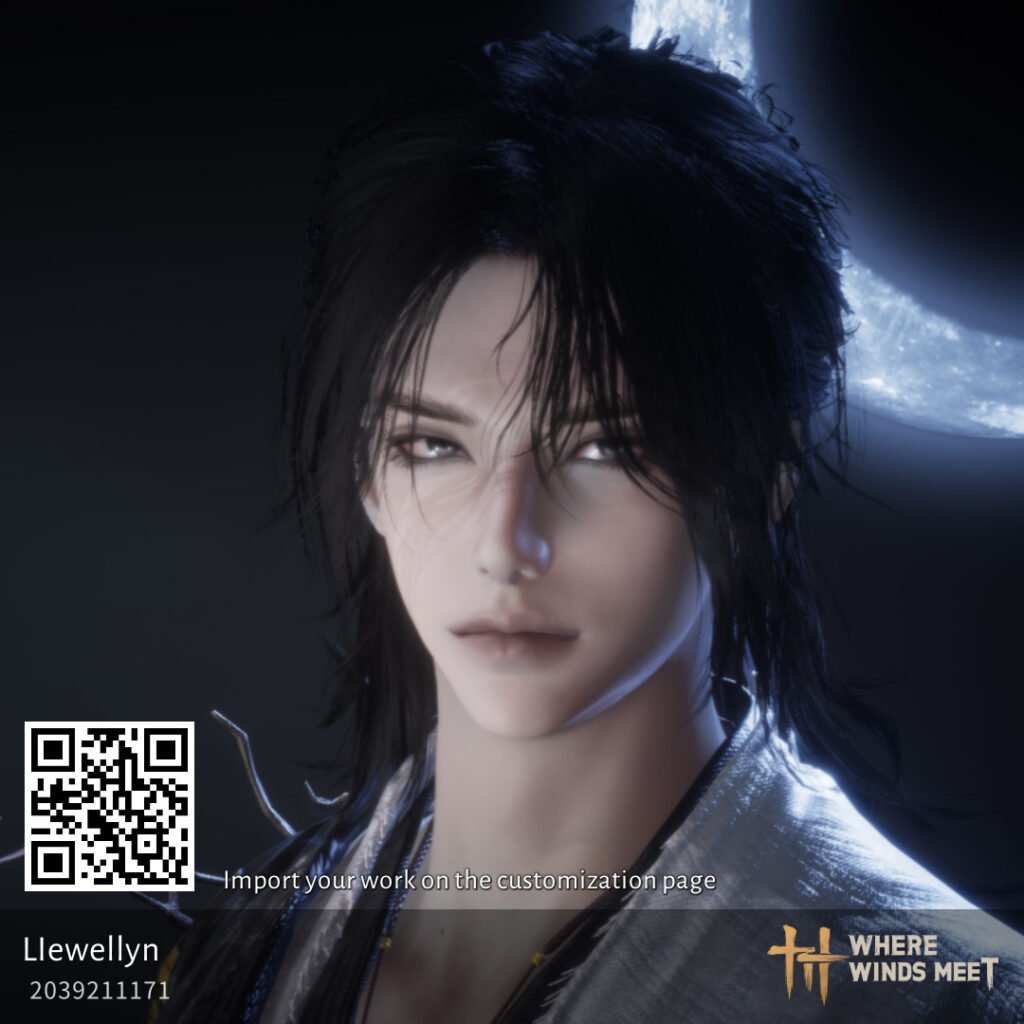
- Code: 2039211171
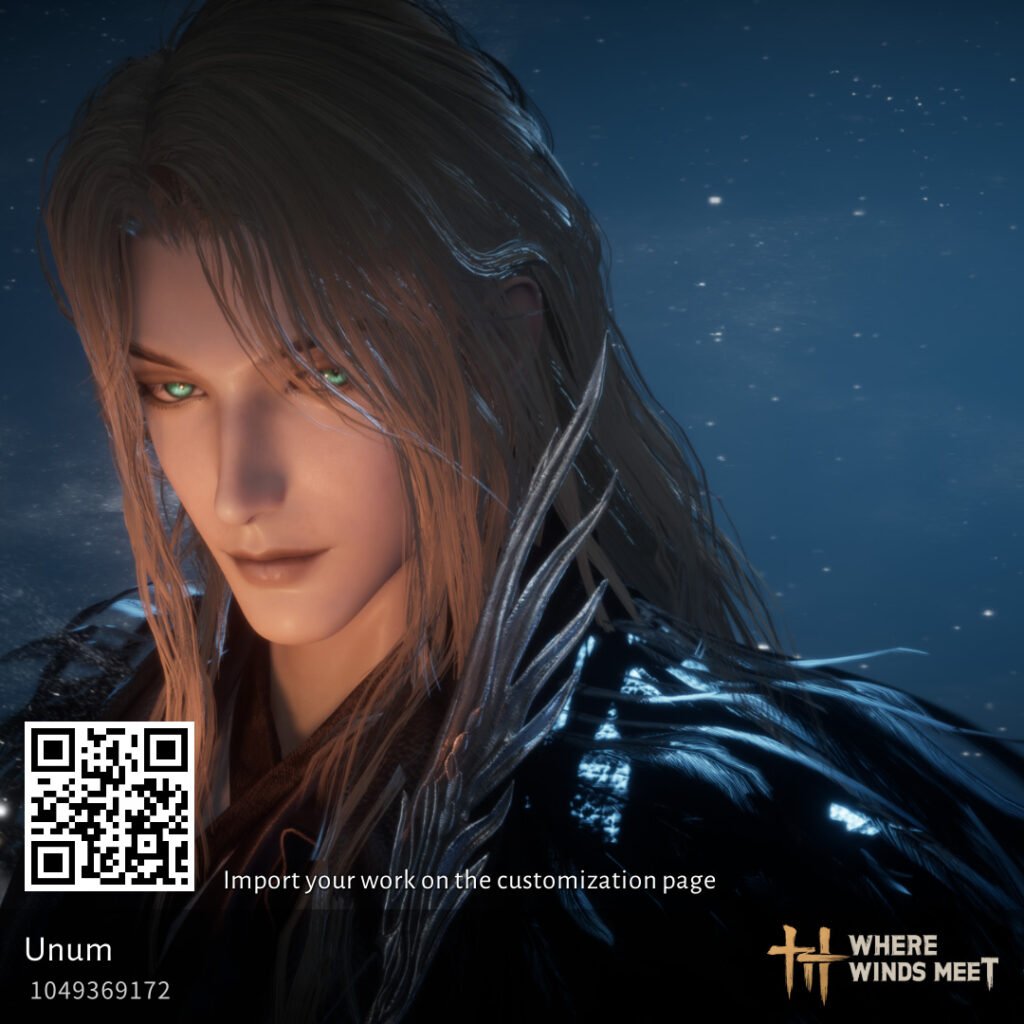
- Code: 1049369172
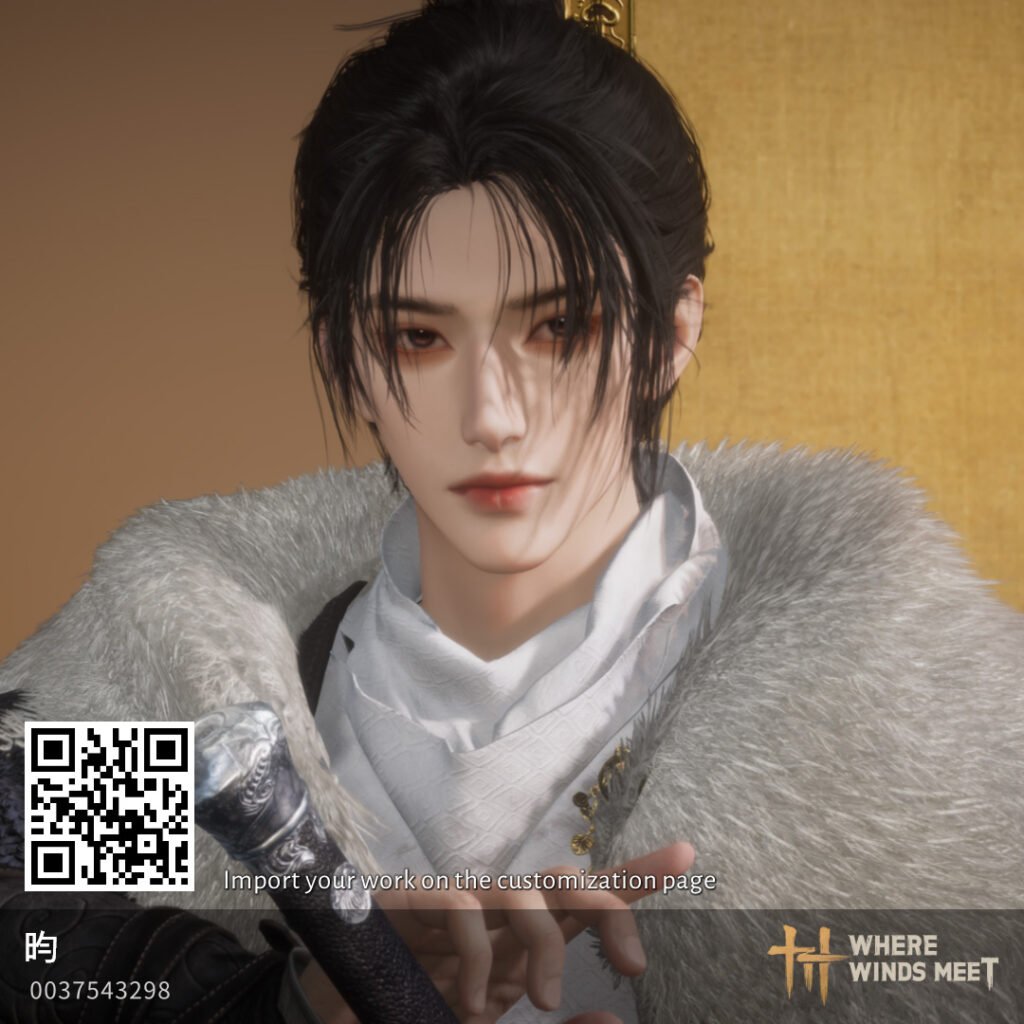
- Code: 0037543298
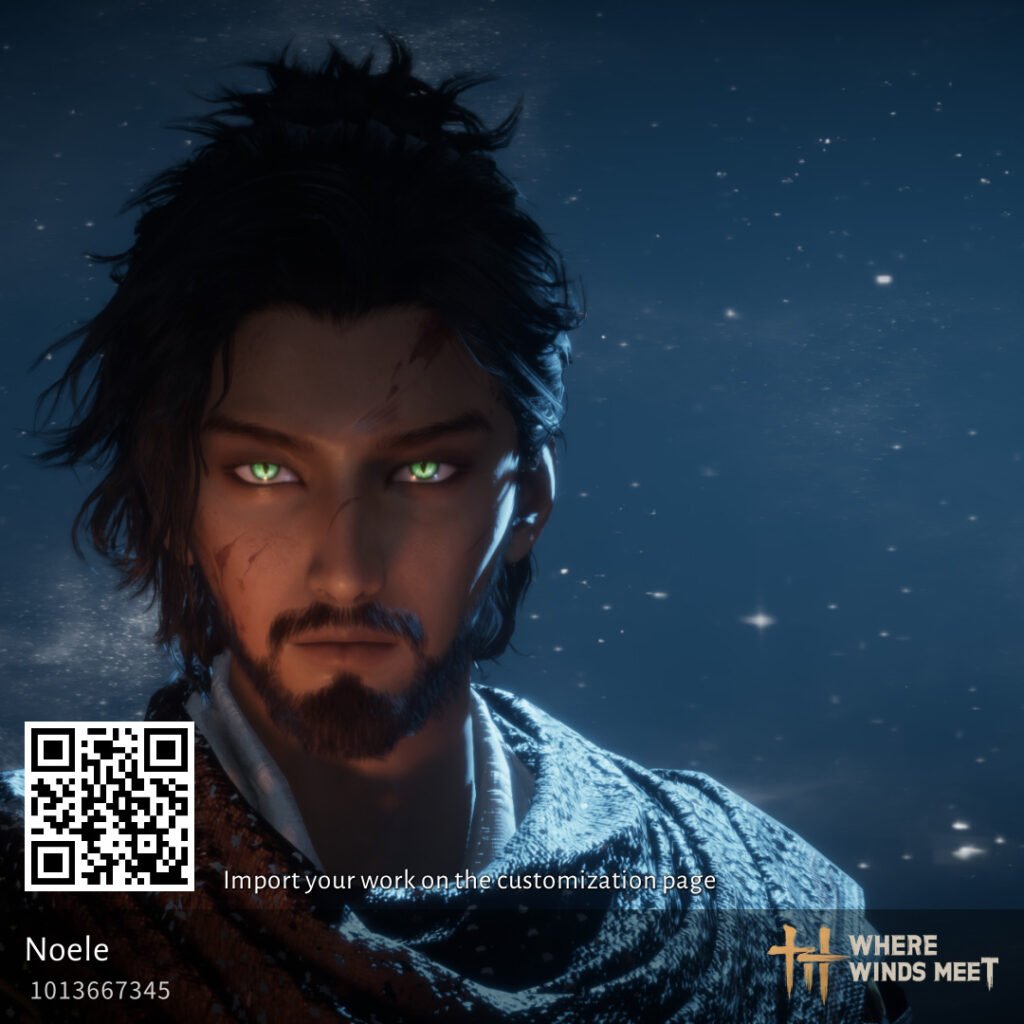
- Code: 1013667345
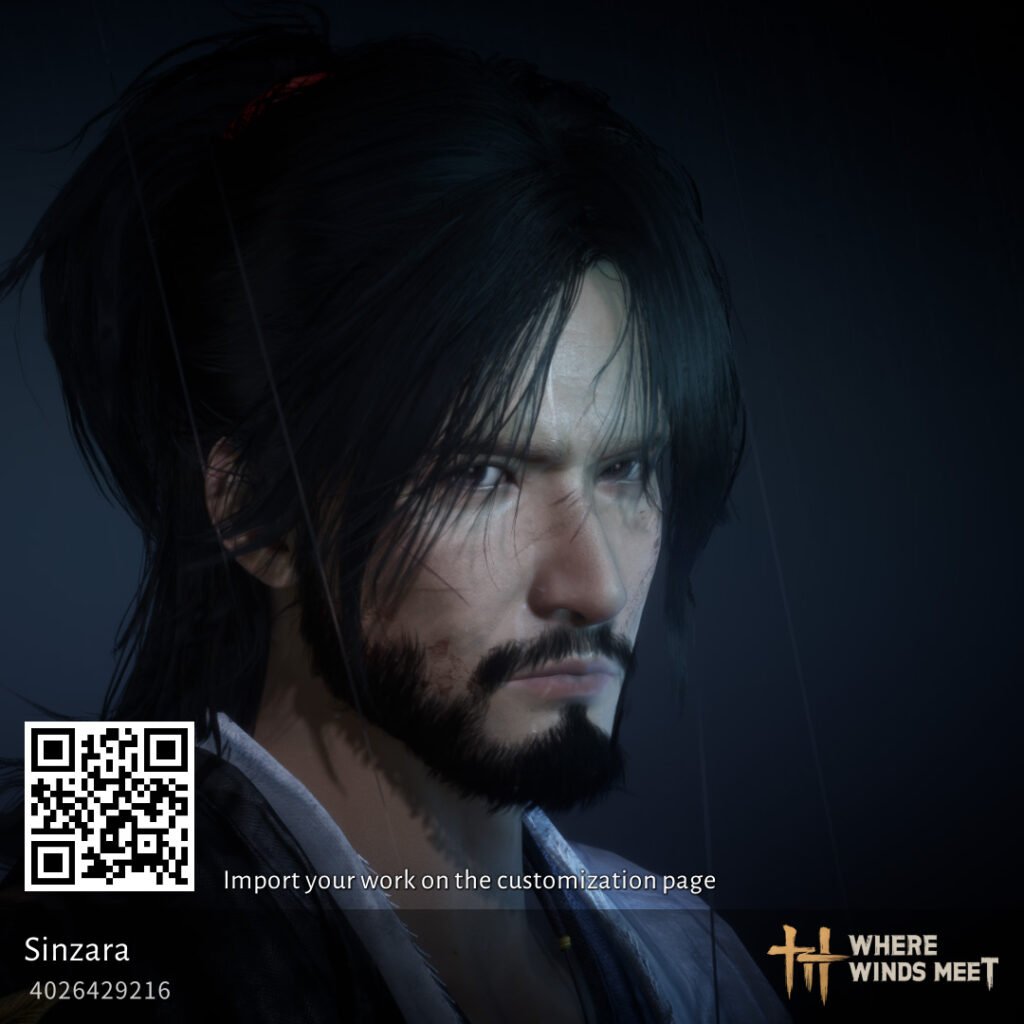
- Code: 4026429216
Honorable Mentions
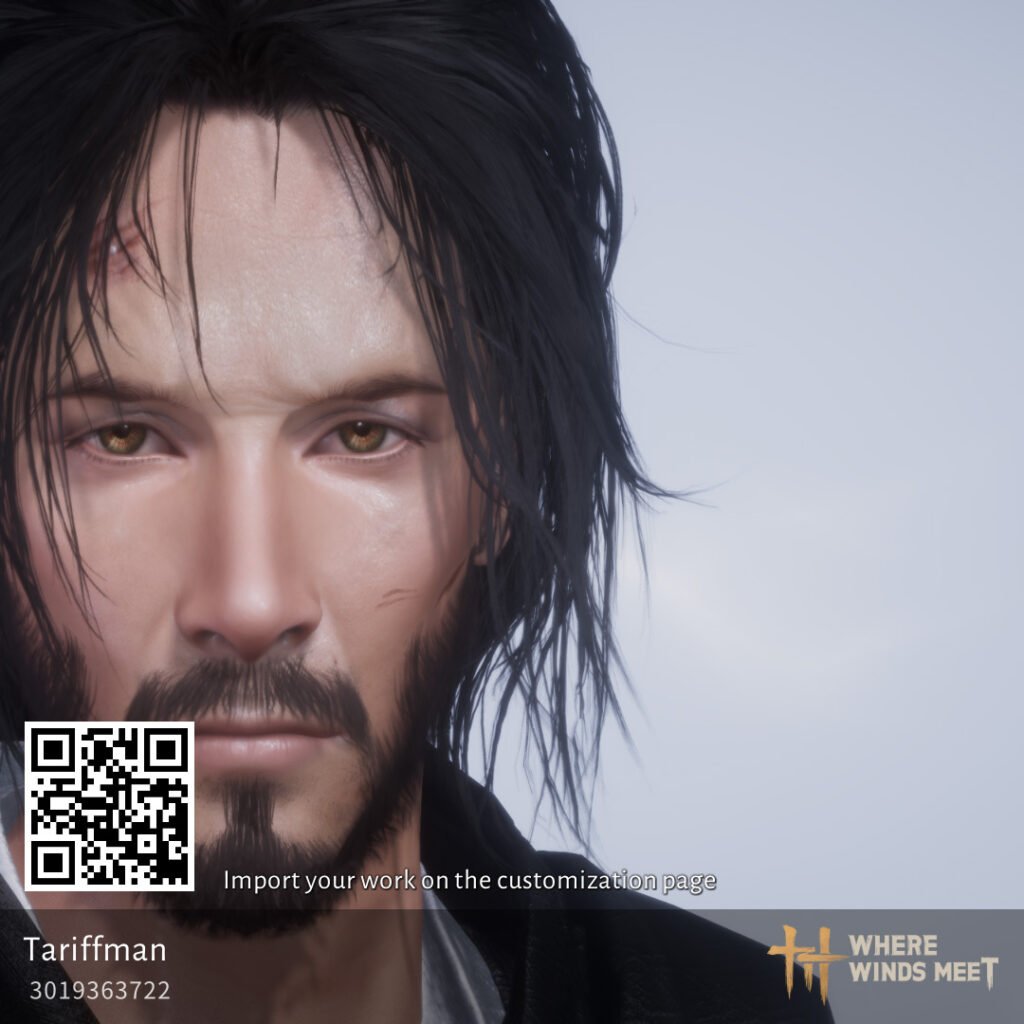
- Code: 3019363722
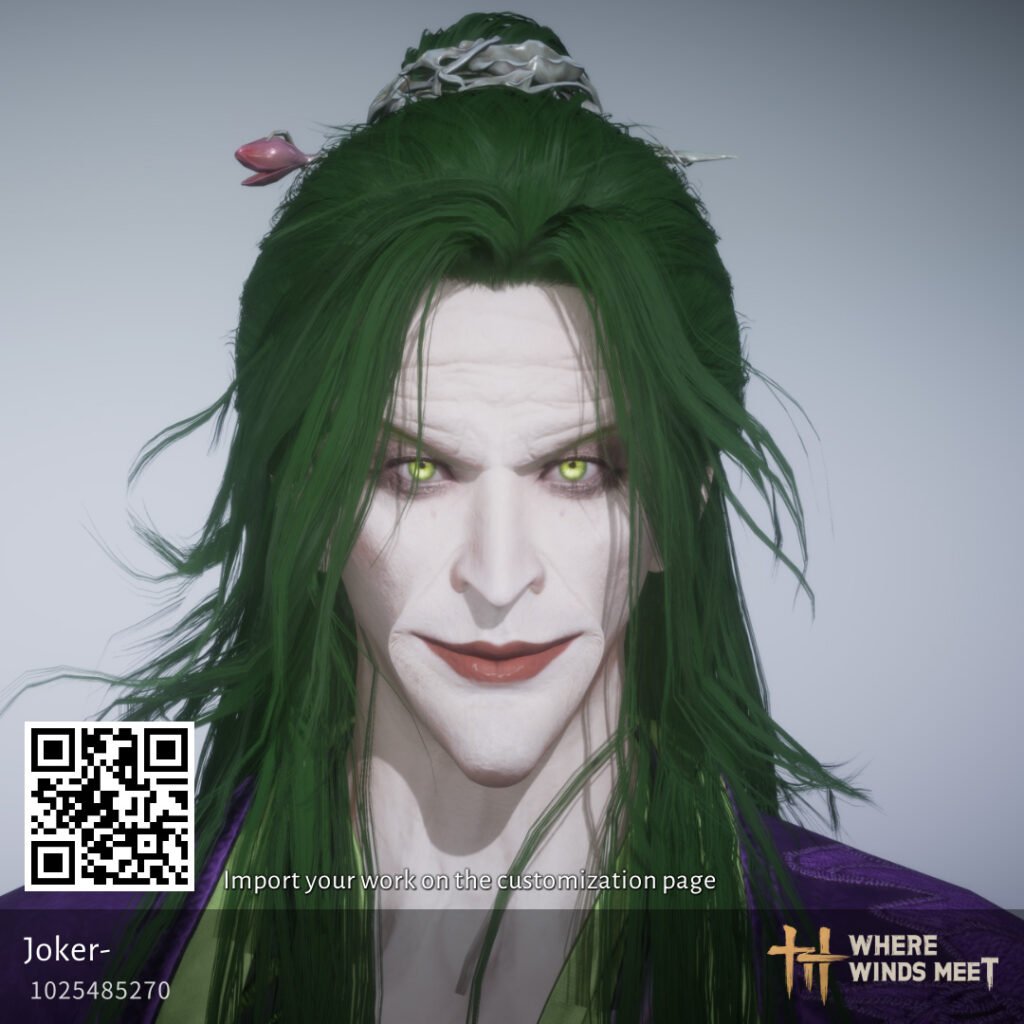
- Code: 1025485270
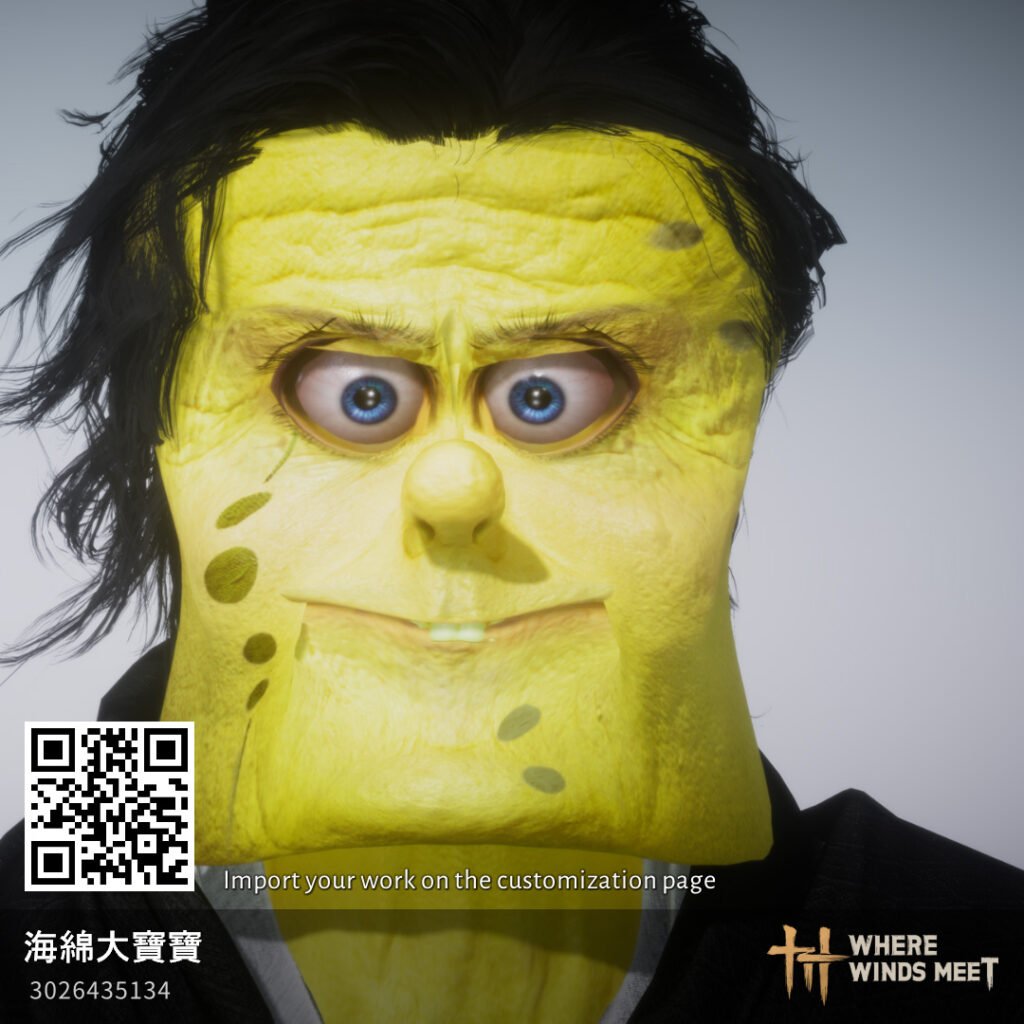
- Code: 3026435134
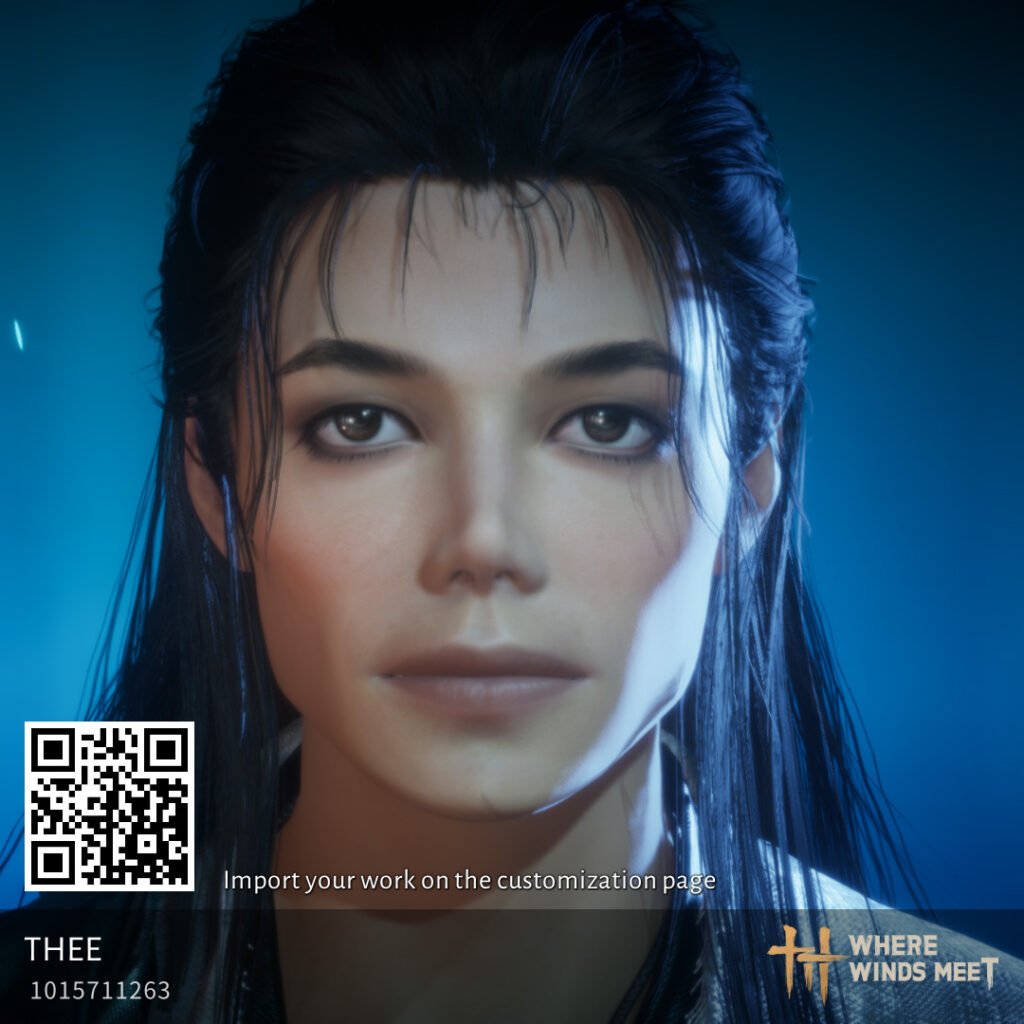
Code: 1015711263

Code: 1016296410
How to Apply Character Codes
Using character customization codes in Where Winds Meet is simple, but the feature is tucked inside the in-game appearance menu. These steps will let you import any fan-made preset instantly.
1. Open the Character Menu
- Press ESC (PC)
- Select Appearance or Customization from your character menu
This is where all face editing tools and presets are located.
2. Enter the Face Customization Screen
Choose Edit Appearance or Create/Modify Face Preset.
You must enter the full facial customization panel to access code functions.
3. Select the “Import Code” Option
Inside the customization screen, look for:
- Import Customization Data
- Enter Code
- Load Code
This opens the input window for character codes.
4. Paste the Character Customization Code
Copy a code from your favorite creator, then:
- Paste it into the Import/Code box
- Confirm the import
Your character’s face will immediately transform to match the preset.
5. Save Your New Appearance
Once the code loads:
- Select Save or Apply
- The new character look becomes your active appearance
You can update or revert anytime using your saved presets.